
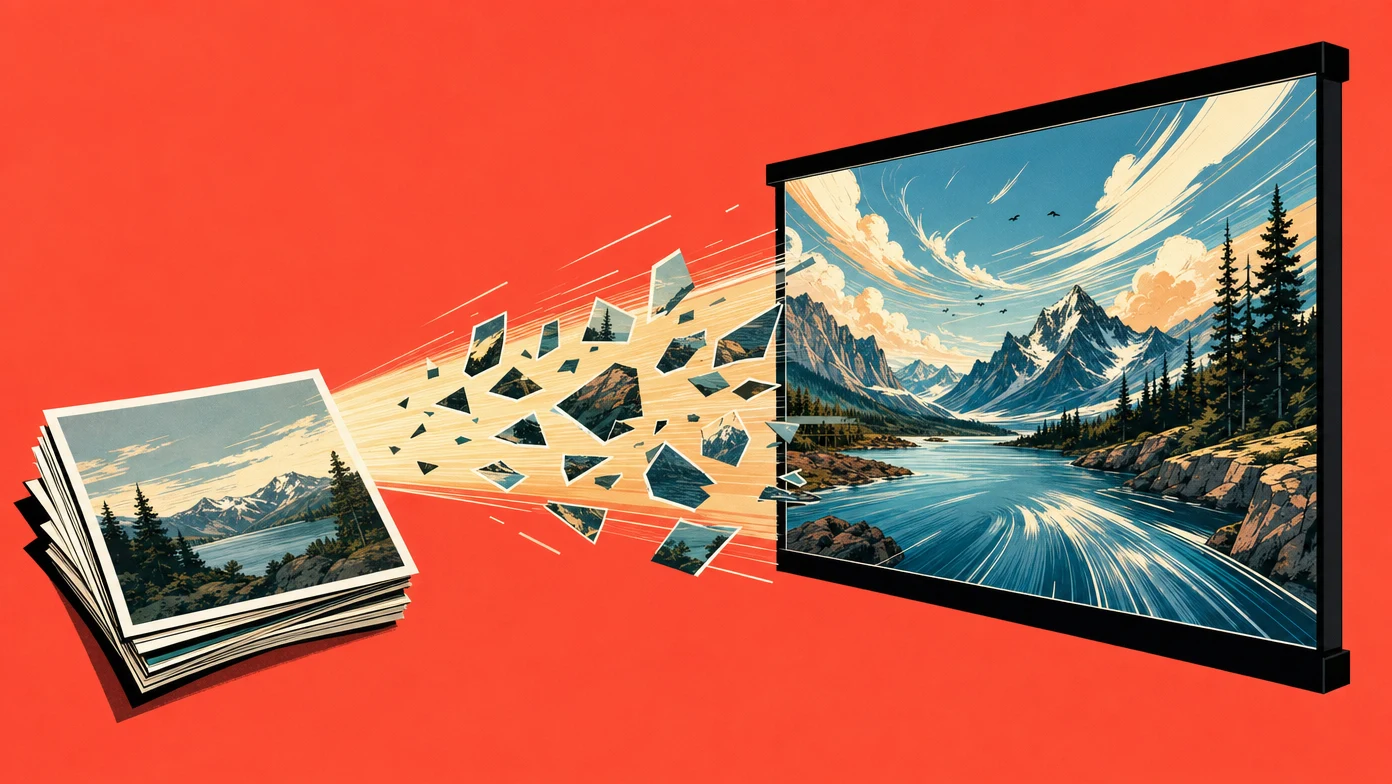
You can turn a photo into a short AI video by choosing an image-to-video route, uploading the photo, describing the motion, and reviewing the result. Whether that request is free depends on the provider’s current allowance and your account. Check generation cost, watermark, and output-use terms separately.
Sora is retired. Its web and app experiences closed on April 26, 2026, and OpenAI’s API shutdown date was September 24, 2026. Veo 3.1 also needs a route check: Google’s Gemini Developer API preview closed on October 22, while the Google Cloud GA route is separate.
Last verified: 2026-10-28. This update checks documentation and inspected ChatCut integration limits. It does not re-test trial entitlements or deployed production.
| Verified fact | Source |
|---|---|
| Sora availability. Consumer app/web discontinued April 26; Sora 2, Sora 2 Pro, and Videos API shutdown date September 24, 2026 | Sora notice; OpenAI deprecations |
Veo 3.1 API access. Gemini Developer API preview shut down October 22; Cloud GA veo-3.1-generate-001 is a separate route | Gemini API notice; Cloud model card |
| Full Seedance 2.0 image-to-video. First frame or first+last frame; 4–15-second output. Reference mode is separate from frame mode | BytePlus API |
| Full Seedance 2.0 4K. Official output includes 4K; ChatCut currently offers up to 1080p because 4K pricing is not wired. Configured-endpoint 4K acceptance remains unverified after connection timeouts | BytePlus API; ChatCut route review, model matrix |
| Generation and final export. A model’s generated resolution is distinct from renderer export settings. There is no universal ChatCut 1080p export ceiling | ChatCut export guide; Web export limits |
| Cost in ChatCut. Use the selected model/settings and preflight estimate; no universal free-generation entitlement is established here | Credits policy; Plans and credits |
What image-to-video does
Image-to-video uses a still image to guide a new moving clip. A first-frame input anchors the beginning; a reference input can guide the subject or style. Those roles are not interchangeable, and the generated clip can still change details.
Two useful controls are the motion prompt and the exact model/mode. Write what the camera does, what the subject does, and what should remain stable. Then match the aspect ratio to the intended cut.
For a longer video, assemble approved clips in an editor. A longer final export does not increase a model’s per-request duration limit.
ChatCut: generate and assemble in one project
ChatCut combines AI video generation with editing, captions, and voiceover. Seedance 2.0 is one available model route; current model options and status belong in the model matrix.
The workflow is to upload or generate a reference still, choose the video model and input mode, inspect the estimate, generate, and place an approved take in your timeline. Use text-based editing to continue assembling the project.
Generation resolution, any later upscaling, and final export resolution are separate. Full Seedance 2.0’s documented 4K output does not mean ChatCut currently offers that generation option. Desktop local export and Web export also use different renderer paths; consult the export guide for the path you use.
Where to check a free offer
The services below appeared in the original May 2026 guide. Their current free quotas, watermark rules, and commercial terms were not re-established for this update, so this table is a checklist of places to verify, not a promise of free access.
| Service | What to verify before generating |
|---|---|
| Current model/route, account eligibility, and billed settings; retired Veo preview IDs are not available | |
| Seedance via your chosen provider | Exact variant, trial allowance, reference mode, and output-use terms |
| Kling | Current model, free allowance, watermark, and regional terms; ChatCut’s inspected new-generation route is suspended |
| Hailuo | Exact model and valid duration/resolution; do not inherit H3 capabilities automatically |
| ImagineArt | Underlying model, allowance, and output rights for that model |
| Pika | Effect/mode, credits needed, watermark, and plan terms |
| Vheer | Current allowance, download format, and output-use terms |
| EaseMate AI | Current service identity, model, allowance, and terms before uploading |
| Luma Dream Machine | Current free-plan watermark and commercial-use restrictions |
| Runway | Model-specific allowance, watermark, and output terms |
A quota advertised by one wrapper does not establish the underlying model’s quota elsewhere. Likewise, a model’s native capabilities do not establish a working adapter in every editor.
Convert your photo to a video in five steps
Step 1. Pick the photo. Start with a clear subject and enough space for the intended camera move. Inspect fine text, faces, and product details carefully in the output.
Step 2. Choose an available route and check the estimate. In ChatCut, check the selected model and credits. If you use an external generator, verify its current allowance and download terms before spending time on the workflow.
Step 3. Upload the photo and write a specific prompt. A useful pattern is:
[Camera move]. [What stays still]. [What moves]. [Mood/lighting].
For a product still:
Slow orbital camera move around the shoes. Shoes stay centered. A few dust particles move above the wooden floor. Warm overhead light, soft shadows.
Treat this as a starting prompt, not a recorded test result. Simplify the motion if the subject deforms.
Step 4. Generate within a retry budget. Review subject stability, camera motion, framing, and sound. Check the next estimate before retrying; a free allowance may not cover several takes.
Step 5. Assemble and export. Trim the approved clip, add captions or voiceover as needed, export using the appropriate renderer, and check the downloaded file and applicable output terms.
Match the workflow to the photo
| Photo content | What to check in a candidate output |
|---|---|
| Product shot | Packaging, logo, shape, reflections, and contact with surfaces |
| Person or character | Reference eligibility, face, hands, identity, and mouth motion |
| Landscape | Camera path, geometry, moving water, and distant details |
| Abstract or artistic image | Whether style and texture survive motion |
| Multi-subject scene | Subject count, interactions, and occlusion |
| Text-heavy image | Every letter after generation; consider adding text in the editor |
| Social post | Crop, pacing, captions, and final aspect ratio |
Watermarks, output terms, and a sustainable budget
A free request, a watermark-free download, and permission for your intended use are separate facts. Confirm all three for the exact provider and plan. The underlying model’s name does not establish the wrapper’s terms.
For repeated work, budget the whole pipeline: reference stills, video takes, retries, sound, captions, and final editing. Compare total cost per approved clip rather than assuming a daily free allowance will cover production volume. In ChatCut, use the credits policy and task estimate instead of the older flat-credit examples.
Frequently asked questions
Can I convert a photo to video for free with no watermark in 2026?
Only when the selected service’s current allowance covers the request and its download option has no watermark. This update does not verify a blanket free, watermark-free offer for the services above. Check your account and the current offer before generating.
Is it legal to use AI-generated video commercially?
Check the output-use terms for your service and plan, and the rights to your input assets. A free allowance or watermark-free download does not by itself establish commercial-use permission.
How long does an AI photo-to-video clip take to generate?
It depends on the model, resolution, request, queue, and provider load. This guide does not establish a render-time guarantee for any route.
Why does my photo get distorted in the AI video output?
Check the aspect ratio, reduce the number of simultaneous movements, and inspect faces, text, and fine details. Try a simpler motion or a better reference before increasing the retry budget.
What’s the difference between image-to-video and text-to-video?
Image-to-video uses an input image to guide appearance or the first frame. Text-to-video generates the scene from the written prompt. Neither guarantees exact detail preservation.
Is Sora still available in 2026?
As of October 28, its retirement dates have passed: app/web April 26 and API September 24. Use an available route for new generation. Google’s retired Gemini API Veo 3.1 preview is also separate from its current Cloud GA route; see the dated source table above.
Do I need a separate editor after generating the clip?
A standalone clip may only need trimming. Multi-clip cuts, captions, voiceover, and format changes need an assembly step, which you can do in ChatCut or another editor. Check generation charges separately from access to editing tools.