For narration, start by choosing a supplied voice or an authorized clone of a specific speaker. In ChatCut, Voice Library holds supplied voices and My Voices holds personal clones. Use only your own voice or one you have explicit permission to clone, then check the access requirements before generating narration.
A supplied voice still has usage conditions. A clone adds a sample and authorization step. Neither choice alone settles every question about output rights, disclosure, or publication; check the generating service’s terms and the requirements for your intended use.
ChatCut voice facts — last verified 2026-10-28. ChatCut supports supplied voices and authorized personal clones through Voice Library / My Voices.
| Verified fact | Source |
|---|---|
| Supplied or personal voice. Preview a supplied voice in Voice Library or select a saved personal clone in My Voices | Voice Library |
| Authorized voice cloning. Clone your own voice or a voice you have explicit permission to use; provide 10 seconds to 3 minutes of clean single-speaker audio, up to 25 MB | Cloning requirements |
| Narration with My Voices. Selecting a voice attaches it to a draft; send the script to generate narration. My Voices narration requires an active paid membership | Use a voice in a request |
The five voice categories worth separating
Supplied text-to-speech voices start from a voice library. Preview the voice with your own script, especially names, acronyms, and words that need a particular pronunciation.
Cloning starts from samples of a specific speaker. Check authorization, recording quality, and narration access before creating or using a clone. ChatCut’s Voice Library guide describes its sample and preview requirements.
Character narration calls for a defined performance: age impression, tone, pacing, emotion, and recurring pronunciation. Compare samples across several lines rather than choosing from a single sentence.
Real-time voice agents add turn-taking and response-time requirements. Measure the complete application with representative conversations; a provider’s isolated first-audio figure does not establish the delay a user will experience.
Multilingual narration needs review in each target language. Test pronunciation, pacing, and speaker consistency with the actual script and have a fluent speaker review the result.
Authorization and usage conditions
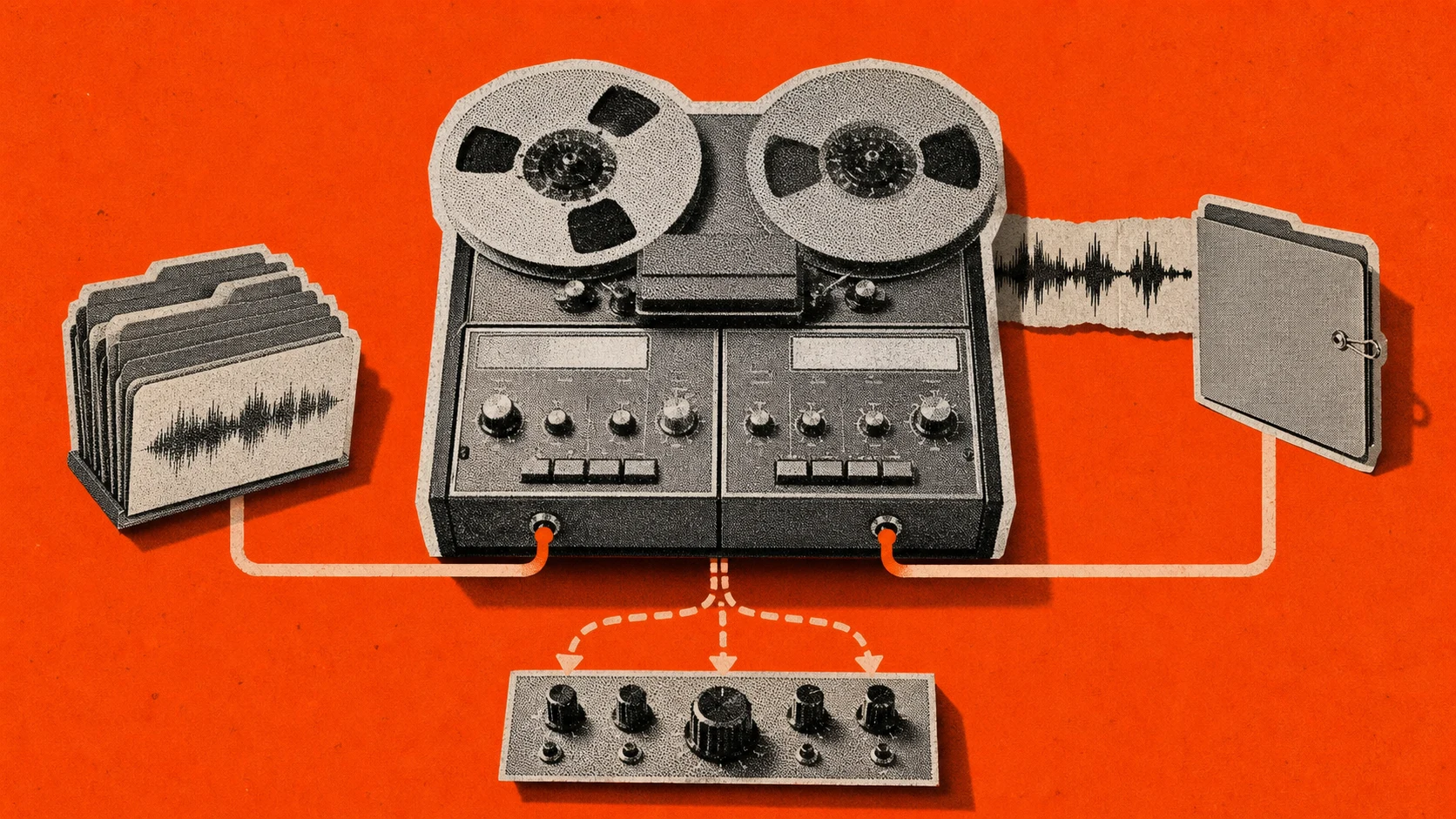
ChatCut requires you to confirm that you own the voice or have explicit permission before cloning. Use a clean single-speaker sample and review the preview before saving it under My Voices. Keep the relevant permission and usage conditions with the project.
Do not assume that a supplied voice removes every rights or disclosure question, or that permission to clone settles every later use. Review the provider’s current terms and the requirements for your audience and publication. This guide does not establish a legal determination for a particular jurisdiction or project.
Evaluate the voice for the actual job
A useful comparison uses the same script, language, target duration, and output requirements. Listen for omitted or repeated words, pronunciation errors, unwanted pauses, and changes in speaker identity or emotion.
Check the full cost and access conditions for that request. A library preview, creating a clone, and generating narration can have different requirements. For ChatCut, use the current Voice Library instructions and Credits.
This article does not provide a matched quality ranking, latency benchmark, or multilingual consistency score across voice providers.
A picker grid: use case and review criteria
| Use case | Starting workflow | Check before choosing |
|---|---|---|
| Brand explainer narration | Supplied voice | Pronunciation, tone, pacing, and usage conditions |
| Multilingual e-learning | Target-language narration | Fluent review of every language and recurring term |
| Game NPC dialogue | Character performance | Consistency across lines and emotions |
| Podcast intro | Supplied voice or authorized clone | Speaker fit and timing against the edit |
| Real-time customer service | Voice-agent application | End-to-end response time and turn-taking |
| Audiobook narration | Long-form narration | Omissions, repetition, pronunciation, and performance consistency |
| Social-video voiceover | Supplied voice | Fit with the script, captions, and delivery duration |
| Your own cloned voice | Authorized cloning | Sample quality, preview, and narration access |
| Another person’s cloned voice | Explicitly authorized cloning | Permission and the conditions of the intended use |
Choose by the task and a representative sample rather than an unsupported provider ranking.
Where ChatCut fits: supplied voices and authorized clones
ChatCut’s AI voiceover supports both supplied voices from Voice Library and personal voices saved under My Voices. Preview a supplied voice, or create an authorized clone when the project calls for a specific speaker. Select the voice that fits the script, language, and speaker rights for this project.
ChatCut supports authorized voice cloning through Voice Library / My Voices. Open + → Voices → Clone Voice, confirm that you own the voice or have explicit permission, then record or upload a clean single-speaker sample. Use 10 seconds to 3 minutes of audio, with at least 30 seconds recommended, and save the preview under My Voices. Selecting the saved voice attaches it to a draft; send the script and voice together to generate narration. Creating a clone and generating narration have different access requirements: My Voices narration requires an active paid membership.
The honest framing is two doors. If your use case is curated narrator, explainer, or character voice from a pre-trained library, ChatCut’s AI voiceover is built for it: prompt-driven voice selection inside the editor, integrated with text-based editing for transcript-aligned voiceover work, integrated with AI captions for caption generation against the synthetic voice track. You describe the edit. ChatCut executes it.
For a specific speaker, use only a voice you own or have explicit permission to use. Review the cloned preview before saving it, and check the current account’s narration access and voice-slot limits in the cloning window. The Voice Library guide documents recording, upload, preview, and saved-voice steps.
For broader use cases that pair AI voiceover with related work, talking-head editing and education and teaching animations are the natural extensions where curated voices land cleanly.
Five questions worth a direct answer
Is cloning legal in 2026? Permission to use a voice is an essential starting point, but it does not settle every legal question about a particular use. ChatCut requires your own voice or explicit permission to clone it. Review the applicable terms and requirements for the project before publication.
What’s the safest tool for a no-consent-needed workflow? A supplied voice avoids uploading a sample to imitate a particular speaker, but it still has usage conditions. Check those conditions and preview the voice with your script. Do not treat a library voice as a blanket exemption from rights or disclosure requirements.
Real-time voice agents: what’s the practical latency floor? Measure response time and turn-taking in the complete application. This article does not establish a universal latency threshold or a provider benchmark.
Multilingual: which tool keeps the same voice across 15 languages? This article does not establish a matched 15-language consistency result. Test the required languages with the same script and ask fluent speakers to review pronunciation and speaker consistency.
Worst mistake teams make with AI voice in 2026? Avoid cloning without authorization and approving narration without checking the actual output. In ChatCut, review the sample and preview, confirm narration access, and inspect the finished track against the script.
Choose a supplied voice or create an authorized personal clone in ChatCut. Follow the Voice Library guide and check the current narration requirements before generating.