GPT Image 2 (gpt-image-2) remains an OpenAI image-generation and editing model, alongside newer GPT Image 2.5 Flare and Sunburst models now described in ChatCut’s image guide. ChatCut-hosted generation requires active Pro and credits. Its inspected GPT route accepts up to 10 references; the configured Image 2 endpoint rejected transparent backgrounds.
This overview separates provider documentation, ChatCut’s tool settings, and completed endpoint checks. Model availability in a tool does not establish the state of every deployed account or guarantee a successful generation.
Capability facts — last verified October 28, 2026
| Verified fact | Source |
|---|---|
| Model identity. Provider documentation: Image 2, Image 2.5 Flare, and Image 2.5 Sunburst are separate models ChatCut route and checked evidence: The inspected route exposes all three; the current guide features the two Image 2.5 models | Image 2, Flare, Sunburst, ChatCut image guide |
| References. Provider documentation: Direct edits document up to 16 images ChatCut route and checked evidence: ChatCut enforces 10 combined references. The audit did not establish the native 16/17 boundary | ChatCut contract check (2026-10-28); direct edit reference, ChatCut image guide |
| Resolution. Provider documentation: Pixel and edge constraints apply; output above 2560 × 1440 is experimental ChatCut route and checked evidence: At 16:9 the inspected mapping is 2304 × 1296 for 2K and 3776 × 2128 for 4K. Neither high tier completed in the audit | ChatCut size-contract check (2026-10-28); OpenAI size rules |
| Transparency. Provider documentation: Image 2 support is documented as preview; Image 2.5 has a background control ChatCut route and checked evidence: The configured Image 2 endpoint explicitly rejected transparent background. ChatCut exposes the control only for Image 2.5; a transparent 2.5 output remains unverified | ChatCut endpoint and contract checks (2026-10-28); API background reference, ChatCut image guide |
| Access and billing. Provider documentation: Direct Image 2 API use has no free usage tier ChatCut route and checked evidence: ChatCut-hosted generation requires active Pro and credits; Codex’s own image tool follows separate host access rules | Image 2 model, ChatCut image guide |
What Is GPT Image 2?
OpenAI lists the dated snapshot gpt-image-2-2026-04-21 on the Image 2 model page. Image 2 remains a named model alongside the newer Image 2.5 family.
The model is designed for generation and editing through the Image API. References and detailed composition instructions guide the result, but text, subject identity, and exact layout still need review. Higher-resolution requests must satisfy the selected route’s pixel and edge constraints.
GPT Image 2 is an image model; Images with thinking is a ChatGPT host workflow. Check ChatGPT’s current availability guide for access. A direct Image API call does not independently browse the web.
GPT Image 2 vs GPT Image 1.5
The models have different output controls. Compare the exact request settings rather than assuming every GPT Image endpoint behaves the same way.
| Feature | GPT Image 1.5 | GPT Image 2 | Source |
|---|---|---|---|
| Image-input fidelity parameter | Low or high | Omit the parameter | Edit API |
| Output sizing | Standard square, landscape, and portrait sizes | Custom sizes within pixel and edge rules | Image-generation guide |
| Transparent background | Documented for supported requests | Preview in provider docs; explicitly rejected by the configured ChatCut endpoint | Background reference; ChatCut endpoint check (2026-10-28) |
This is a controls comparison, without a matched quality or cost benchmark. Newer Image 2.5 models are separate choices, not settings that turn Image 2 into another model.
GPT Image 2 Key Features
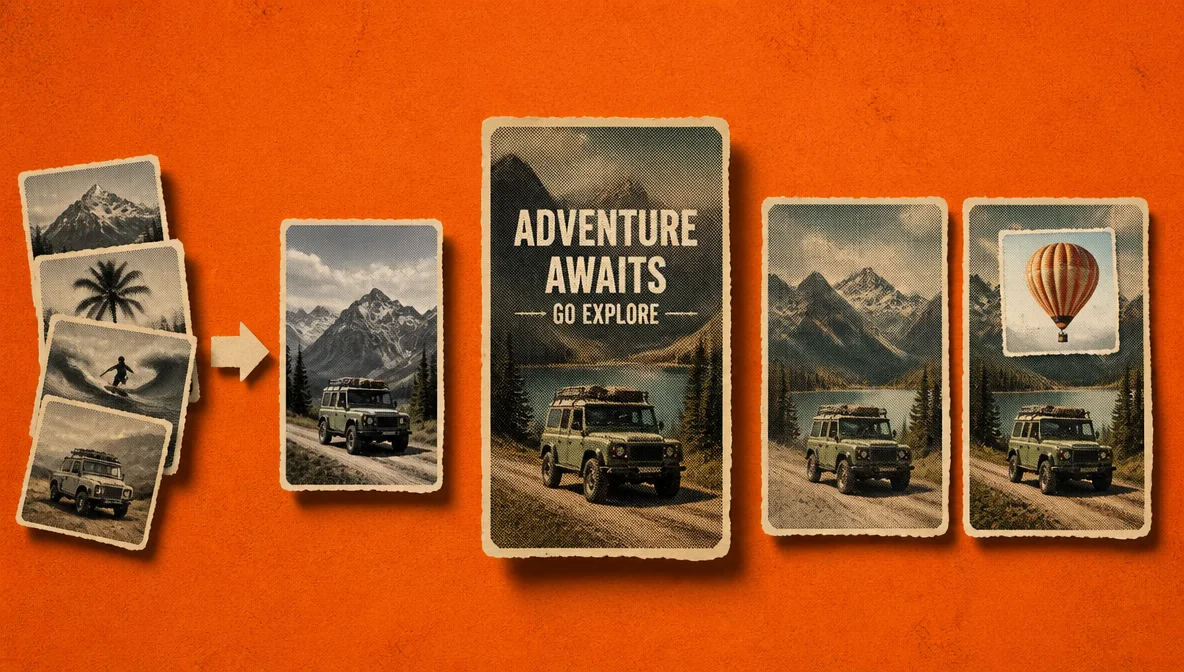
Text rendering
Text rendering is a useful reason to evaluate the model for thumbnails, title cards, social graphics, and UI concepts. This article does not provide a reproducible matched test establishing a first-attempt success rate or a quality advantage over another model.
It is not perfect. Small type, long paragraphs, unusual fonts, and tightly packed layouts can still produce substitutions or malformed characters. Treat generated text as a draft that needs visual review, especially for prices, legal copy, or a brand name. If text is the main subject, keep the copy concise and state the exact spelling in the prompt.
Images with thinking in ChatGPT
OpenAI’s current ChatGPT guide lists Images with thinking for supported paid plans. This is a host workflow, separate from the direct image model’s request controls.
For a brief such as “turn this product into a three-panel launch graphic,” specify hierarchy, spacing, camera angle, and supporting text. Compare the result with those requirements regardless of which host workflow you choose.
Multiple reference images
Reference images help control subject identity, product appearance, palette, composition, and style. Inside ChatCut, GPT Image 2 accepts up to 10 reference images per generation. The references can be existing project assets or files you import for the task.
Ten is ChatCut’s operational cap, not an established native-model ceiling. The direct edit API documents 16; the audit’s native boundary probes were inconclusive. Use a smaller consistent set when possible, with clear subject, palette, and layout roles.
Resolution tiers and actual pixels
ChatCut exposes 1K, 2K, and 4K tier labels, which map to a pixel budget and aspect ratio. At 16:9, the inspected mapping gives 2304 × 1296 for 2K and 3776 × 2128 for 4K. GPT dimensions use multiples of 16, a maximum edge of 3840, and a total pixel cap; a 4K label is not a guarantee of a 4096-pixel edge or a fixed UHD canvas.
OpenAI marks output above 2560 × 1440 experimental. That does not make every 2K request experimental. Low-resolution output worked in the audit; neither higher tier completed, so this article does not establish high-resolution generation on the checked account.
Higher resolution does not fix a weak composition or misspelled text. It increases pixel count and generation cost, so approve the concept before paying for the final pass.
Editing with image inputs
The OpenAI Image API supports prompt-based edits and mask-based inpainting. A mask guides which region to change while the source image supplies context. The model may still change pixels outside that region. Compare the entire output with the source before accepting a label, background, or object edit.
ChatCut currently exposes natural-language and reference-guided editing rather than a dedicated mask upload. Import the source image, describe the change, and include additional references when the edit needs to preserve a product, face, or style.
Review the Result
This article does not provide a reproducible scored benchmark. Check the result against the actual brief:
| Check | What to inspect |
|---|---|
| Text | Exact spelling, numerals, prices, and small type |
| Product details | Geometry, labels, logos, materials, and invented features |
| Subject consistency | Face, clothing, pose, and reference-specific details |
| Edits | The requested change and possible drift elsewhere in the image |
| Delivery | Actual dimensions, file format, and transparency when required |
GPT Image 2 Pricing
Direct OpenAI API use is billed according to the model, request, and token usage. Use the current model page and its linked pricing calculator for your exact settings rather than reusing a historical per-image estimate. References and output size can affect the bill.
ChatCut-hosted image generation requires active Pro and uses ChatCut credits. Check the confirmation, balance, and Credits History for the actual request; Credits is the current tariff owner. Codex’s built-in image tool has separate host access rules, explained in AI Image Generation. For access options, see Free GPT Image 2.
Technical Reference
Sizes and quality
The inspected ChatCut route exposes aspect ratios, three resolution tiers, and auto, low, medium, or high quality for GPT Image 2, with high as its default. A tier is a size mapping rather than a promise of one fixed canvas. Use the actual generated dimensions when planning a crop or export.
Latency
There is no dependable fixed generation time. Resolution, quality, prompt complexity, input images, server load, and whether ChatGPT performs a thinking pass all affect latency. Use a lower resolution or quality for quick composition tests, then raise the setting for the final asset.
API rate limits
API limits are account- and tier-specific. The current Image 2 model page lists no API free tier. Those limits are separate from ChatGPT account limits and ChatCut’s plan, credit, and job controls.
Output formats and transparency
The Image API documents PNG, JPEG, and WebP output. The inspected ChatCut adapter requests PNG for GPT Image assets.
In the endpoint check reviewed on October 28, 2026, the configured direct gpt-image-2 endpoint returned: “Transparent background is not supported for this model.” This is an observed route limitation, rather than a claim about every native Image 2 endpoint. OpenAI’s preview documentation does not prove the ChatCut route works. ChatCut exposes a background option for Image 2.5 only; this audit did not complete a transparent 2.5 output.
Safety and provenance
OpenAI applies image-safety policies before and during generation. A request may be refused or constrained when it involves sexual abuse material, graphic violence, scams, impersonation, illicit activity, or other disallowed content.
OpenAI also says supported images generated through ChatGPT, Codex, and its API include C2PA provenance metadata and SynthID watermarking. Metadata can be removed by screenshots, conversions, or downstream processing, so do not assume every exported file will preserve the same metadata. ChatCut does not independently promise that C2PA metadata survives every asset and export path.
GPT Image 2 Use Cases
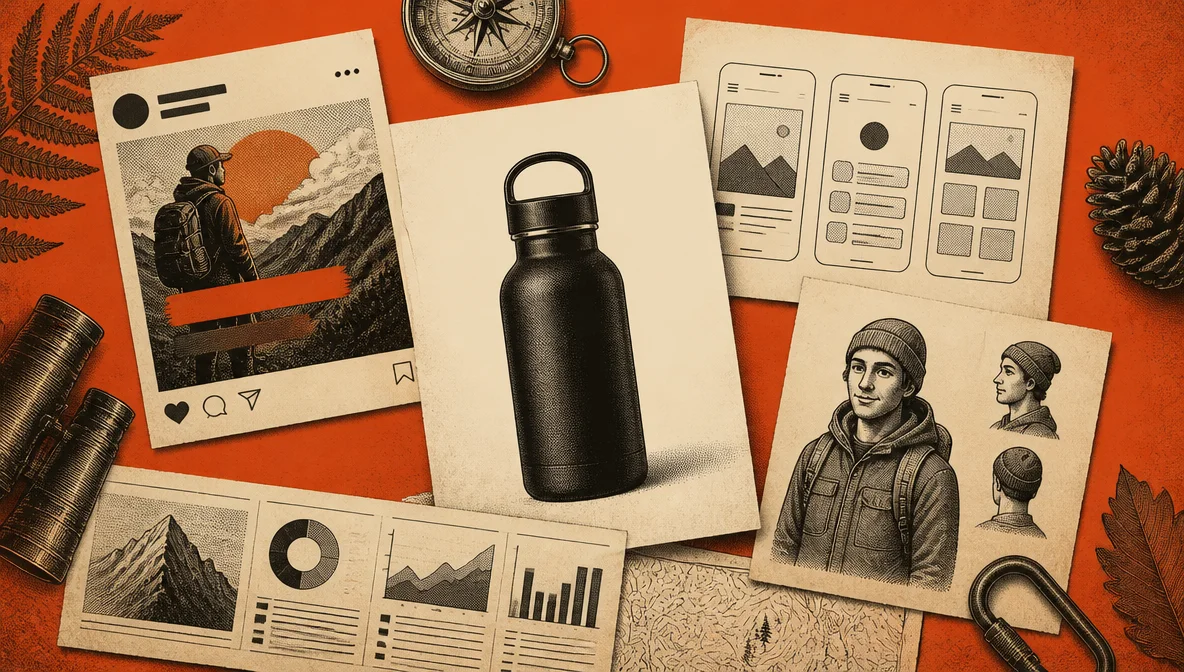
-
Product photography: create studio-style compositions and variants without a physical reshoot.
-
Social thumbnails and title cards: combine a focal subject with short, readable display copy.
-
Character consistency: use several views of the same character to guide a sequence of stills.
-
UI mockups: explore layouts and interface directions before building a functional prototype.
-
Video stills and B-roll: generate frames that match a project’s established palette and mood.
-
Infographics: draft visual hierarchy and iconography, then verify and replace any factual text before publishing.
For step-by-step workflows and reusable prompt structures, see How to Use GPT Image 2.
How GPT Image 2 Compares
Choose a model by its documented controls, your access route, and a representative test using your own brief. This article does not establish a matched quality winner.
| Model | What to check before choosing | Source |
|---|---|---|
| GPT Image 2 | Reference limit on your route, output pixels, quality setting, and transparent-background availability | Image 2 model, edit API |
| GPT Image 2.5 Flare | Exact model selection, speed for your brief, request controls, and current quote | Flare model |
| GPT Image 2.5 Sunburst | Editing results on your references, request controls, and current quote | Sunburst model |
| Nano Banana Pro | Confirm the Pro model identity and its own reference, resolution, and credit rules; do not substitute Nano Banana 2 pricing | ChatCut capability matrix |
For a separate selection article, see GPT Image 2 vs Nano Banana Pro. Cost and quality comparisons need matching inputs and output settings; model names alone are not enough.
How to Use GPT Image 2 in ChatCut
ChatCut offers a named GPT Image 2 route in the inspected tool configuration. ChatCut-hosted generation requires active Pro and credits; you do not need a separate OpenAI API key. Codex’s own image tool is a distinct route with host usage rules. See AI Image Generation.
- Open a ChatCut project, check Pro eligibility and credits, and request GPT Image 2 explicitly if that version matters.
- Optionally attach up to 10 reference images from your project or computer.
- Request an aspect ratio, quality level, and size tier. Review any confirmation and quote; higher-resolution completion was not established by this audit.
- Review the generated PNG in the media library.
- Drag the approved asset onto the timeline as a still, title card, B-roll frame, or image-to-video starting frame.
For consistency across a sequence, reuse the same two or three subject references and explicitly repeat the details that must not change: face, outfit, product geometry, palette, and camera treatment. Avoid mixing incompatible style references in one request.
ChatCut keeps an approved asset with the active video project. Direct API access offers a different path for custom application logic or mask-based requests; compare the required controls and costs for your workflow.
Limitations
-
Generated text still needs proofreading. Small, dense, or unfamiliar text can be misspelled even when the overall design looks convincing.
-
The configured Image 2 endpoint rejected transparent background. Image 2.5 exposes the background option in ChatCut, but a completed transparent 2.5 output remains unverified in this audit. Check the actual file before relying on alpha.
-
Higher-resolution output remains unverified on the checked account. OpenAI’s experimental threshold is above 2560 × 1440, rather than every 2K request. ChatCut’s tier labels map to pixels and do not promise a fixed 4096-pixel edge.
-
High-quality output can be expensive at scale. Run a representative batch before committing to a campaign budget.
-
Current information depends on the host workflow. ChatGPT’s thinking mode can use web tools; a direct Image API request does not browse by itself.
-
Provenance metadata can be stripped. File conversion and export pipelines may remove C2PA metadata even when the original generation included it.